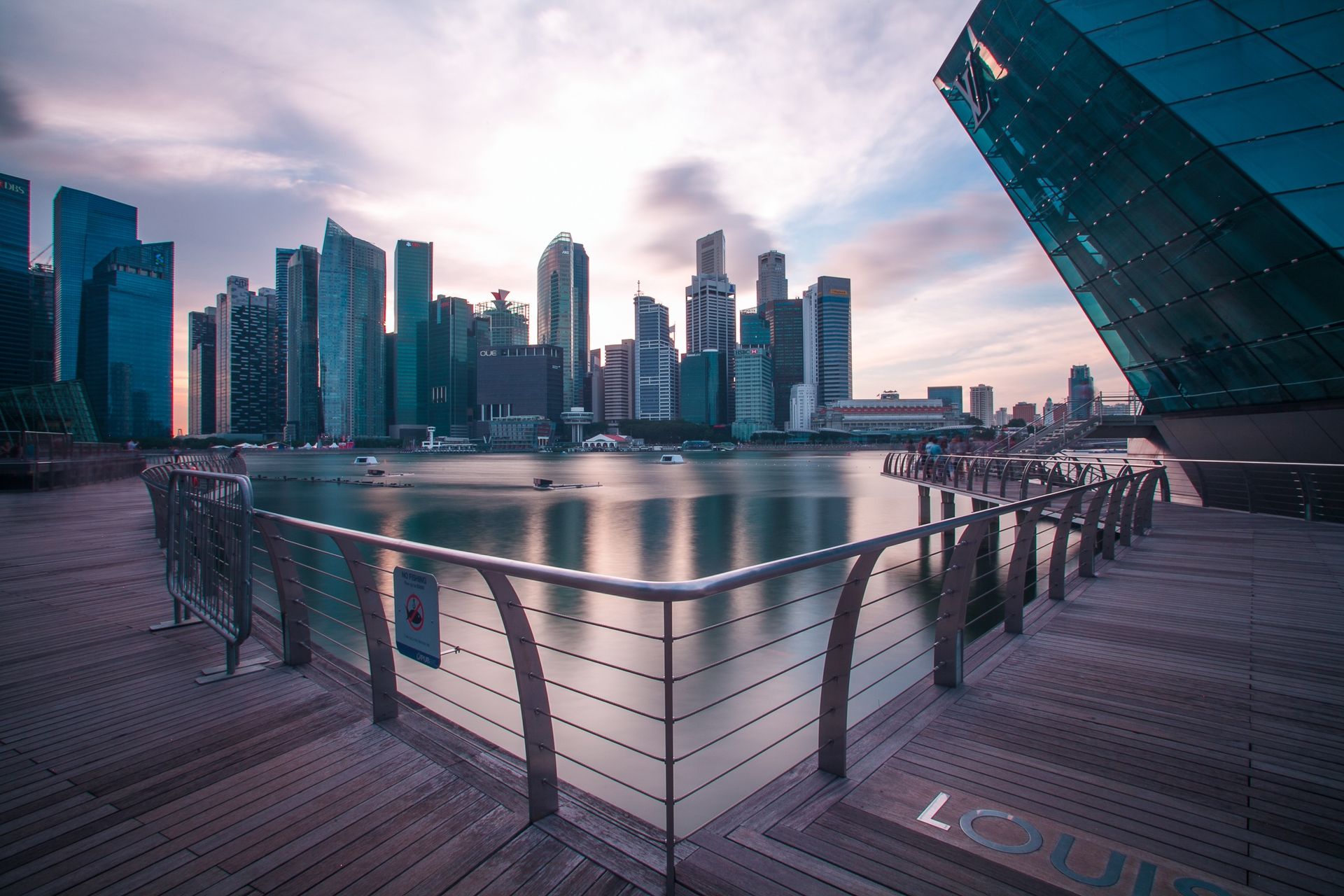
Singapore skyline at night
2026 Expat Guide

Essential Services in Singapore: Stay Connected Stress-Free

From opening your bank account to installing 10Gbps fibre, master the City-State's digital and administrative ecosystem.

In Singapore, you must open an SP Group account for water, gas and electricity as soon as you sign your tenancy agreement, then choose your electricity provider on the liberalised market to reduce your costs. Fibre optic installation takes 7 to 14 days, mobile plans can be activated instantly via eSIM, and opening a local bank account generally takes one day with your passport, Employment Pass and proof of address.

Official partners and regulatory authorities
SP Group IMDA EMA PUB MAS

eSIM: online on arrival

A World-Class Digital Hub

Singapore consistently ranks among the world's most connected nations. For an expat, this means fast services, but also a highly competitive landscape.

Total Connectivity

In 2026, 5G-Advanced covers 99% of the territory, while home fibre now standardises 2.5Gbps and 10Gbps connections for hybrid working.
Singapore Technology
98%

This is the adoption rate for Singpass, the single digital identity essential for managing your water, electricity and telecoms bills.

Find out more about Singpass →

Liberalisation

The electricity market (OEM) allows you to choose your provider, breaking the historic monopoly and reducing your bills by 20 to 30%.

Smart Payments

Say goodbye to cheques. 100% of essential services support GIRO and PayNow for fully automated monthly spending.
Public Utilities: Water, Gas, Electricity

In Singapore, public utilities infrastructure is managed centrally for connection, but competitively for consumption. The central player is SP Group (Singapore Power).

Opening the single account

As soon as you sign your lease for your home in Singapore, you must open an SP Services account. By default, this account manages water and gas (via City Energy), as well as electricity.

The Open Electricity Market (OEM)

Once your SP account is activated, you are free to remain on SP Group's regulated tariff or switch to a private provider (Keppel Electric, Geneco, Sembcorp) to benefit from fixed rates or discounts on the regulated tariff.

Documents required for registration:

  • ✔ NRIC or FIN (Work visa)
  • ✔ Signed tenancy agreement
  • ✔ Photo of your meters (if moving house)
  • ✔ Security deposit (250$ to 800$ depending on profile)

Singapore's Modern Infrastructure

💡 Pro Tip

Use the SP Utilities mobile app. It allows you to track your consumption in real time and compare your carbon footprint with the average for your neighbourhood. In Singapore, saving water is a national priority.


"Waste management is included directly in your monthly SP Group bill, simplifying the process."

Home Internet: Fibre Optic Everywhere

Singapore has one of the world's highest average download speeds. Your choice of provider will depend on your need for stability and your budget.

Singtel

The established provider. Ideal for "all-in-one" bundles (Internet + TV + Mobile).

  • • Premium customer service
  • • Wide choice of TV channels
  • • Higher price
View the 5Gbps plans →
StarHub

The direct competitor. Particularly strong on entertainment and streaming content (Disney+, Netflix).

  • • Integrated TV box
  • • Attractive bundles
  • • Good mobile network
View the Entertainment plans →
MyRepublic

The choice for gamers and intensive home workers. Excellent latency.

  • • Optimised routing
  • • No contract (options)
  • • 100% Digital focus
2026 Gaming plans →
ViewQwest

Premium niche provider. Enhanced security and high-quality international routing.

  • • Network firewall included
  • • Responsive technical support
  • • Ideal for permanent VPN use
Discover the Pro plans →

What you need to know before signing

Most fibre contracts in Singapore require a 24-month commitment. If you move before the contract ends, the fees can be high. For a shorter or uncertain stay, opt for MyRepublic's "No Contract" plans or sub-brands such as Giga!.

Standard installation 7 to 14 days
Activation fee ~50 SGD
Wi-Fi router

Make sure your flat has an active optical fibre point (TP Terminal).

2026 Services Budget Calculator

Estimate your monthly costs for energy, water and telecoms based on your profile.

Eco (0h) 8 hours / day Intensive (24h)
Monthly Estimate
S$0

*Based on average market rates in 2026.

Utilities (Water/Electricity/Gas) S$0
Internet & Fibre S$0
Mobile Plans (x2) S$0
See the cost of living breakdown

Mobile Phone Services: The 5G Standalone Era

Singapore is a smartphone user’s paradise. In 2026, competition between mobile network operators (MNOs) and mobile virtual network operators (MVNOs) has made prices extremely competitive.

SIM-Only

The standard today. No contract, low prices (10-30 SGD), often with 100 GB+ of data.

Instant eSIM

No more waiting for the post. Download your eSIM profile within minutes using the operator’s app.

Key players:

Giga! (Starhub) Gomo (Singtel) Circles.Life Simba (TPG) CMLink

Tip: If you often call abroad, CMLink or Simba offer plans that include international minutes to France and other European countries.

Mobile usage in Singapore

Banking Services: Asia’s Financial Hub

Opening an account is the crucial first step to linking your essential services through the GIRO system.

DBS

DBS / POSB

"The world’s best digital bank". Ideal for expats thanks to an intuitive app and an extensive ATM network.

Discover DBS Multiplying →
UOB

UOB

Excellent for discounts on local spending and cashback credit cards. A strong choice for family accounts.

See UOB One Account →
OCBC

OCBC

Known for its OCBC 360 account, which offers high interest rates based on your salary and bill payments.

Calculate OCBC 360 interest →

The rise of 100% digital banks

In 2026, players such as Trust Bank, GXS Bank and MariBank have shaken up the market. They often offer daily interest rates and account opening in under 3 minutes via Singpass.

Zero fees No minimum balance
Instant Pay Instant PayNow transfers

Typical account-opening documents:

  • 1

    Passport & Employment Pass (EP): Original documents are often required for an initial verification.

  • 2

    Proof of address: A phone bill, tenancy agreement or letter from your employer.

  • 3

    Local phone number: Essential for two-factor authentication (2FA).

Services Overview: Activation Times and Costs

Service Recommended provider Activation time Estimated cost / month Requirement
Electricity Geneco / Senoko ~3 days 70$ - 150$ SP Group deposit required
Fibre Internet Singtel / MyRepublic 7-14 days 45$ - 80$ 24-month contract
Mobile (SIM Only) Giga! / Gomo Instant (eSIM) 15$ - 30$ None
Bank DBS / Trust Bank 1 day $0 (account maintenance fee) Minimum balance required

Frequently Asked Questions about Services

Do I have to pay a deposit for electricity?

Yes, SP Group requires a security deposit that depends on your status (foreigner vs local) and the type of accommodation. It is refunded when the account is closed.

How can I pay my bills automatically?

The GIRO system (direct debit) is the most common. You can activate it directly through your Singaporean banking app.

Does cable TV still exist?

It has largely been replaced by IPTV (Singtel TV, StarHub TV+) and streaming services. Most fibre packages include an Android TV box.

What is the actual speed of 10Gbps fibre?

It is a shared speed. To make full use of it, your devices must be compatible (with a 10G Ethernet port), and you will need a Wi-Fi 7 router.

Can I keep my foreign mobile number?

No, a Singaporean number (+65) is required for local services and Singpass. You can, however, use a dual-SIM phone.

Is tap water safe to drink?

Absolutely. Singapore has some of the purest water in the world thanks to an ultra-modern filtration system (NEWater).

What should I do in the event of a power cut?

Power cuts are extremely rare in Singapore. If one occurs, contact SP Group's 24/7 emergency service on 1800-778-8888.

How can I cancel my services before I leave?

Allow 30 days' notice for fibre. SP Group services can be disconnected within 24 hours via the app. See our guide to returning to France.

Singapore work

To get online as soon as you land, a Singapore eSIM can be installed before you leave, with no need to look for a local SIM card.

Ready to move in with peace of mind?

Download our complete checklist so you do not forget anything when settling in Singapore.

Updated on

How to activate your utilities when you arrive

As soon as you sign your tenancy agreement, you need to create an SP Services account to manage your water, gas and electricity. This single account centralises your bills and allows you to activate the meters in your accommodation within a few days. You will need your NRIC or FIN, the signed tenancy agreement, a photo of the meters if you are moving into an existing property, and a security deposit that varies according to your profile and the type of property.

Once your SP account has been activated, you can stay on the regulated tariff or switch to a private provider through the Open Electricity Market to benefit from fixed rates or discounts. The SP Utilities app allows you to track your consumption in real time and compare your usage footprint with that of your neighbourhood. To learn more about managing your local finances, see our guide to banking and financial services in Singapore.

Utility activation times and costs

ServiceTimeDeposit requiredEstimated monthly cost
SP Group account3 daysSGD 250 to 800Varies according to consumption
Electricity (private provider)Immediately after SPNo additional depositSGD 70 to 150
Water and gasIncluded with SPIncludedSGD 30 to 60

Choose and install your Internet connection

Singapore offers exceptional fibre coverage, with speeds ranging from 1 Gbps to 10 Gbps. The main providers offer a range of packages: Singtel for all-in-one bundles with TV and mobile, StarHub for entertainment and streaming, MyRepublic for gamers and intensive home working, and ViewQwest for enhanced security and international routing. Most contracts run for 24 months, but contract-free offers are available if your stay is uncertain.

Before signing, check that your flat has an active fibre-optic socket. Installation generally takes 7 to 14 days and costs around SGD 50 in activation fees. If you move before the end of the contract, the penalties can be high. Opt for flexible offers if you are not sure how long you will stay. For other practical aspects of settling in, see our guide to repairs and DIY.

Comparing fibre offers by profile

ProfileRecommended providerRecommended speedMonthly price
Family with TVSingtel / StarHub1 to 2.5 GbpsSGD 60 to 80
Working from home / GamingMyRepublic2.5 to 10 GbpsSGD 50 to 90
Professional / VPNViewQwest1 to 5 GbpsSGD 70 to 110
Short stayMyRepublic (contract-free)1 GbpsSGD 45 to 55

Mobile phone services: plans and instant activation

Singapore's mobile market is extremely competitive in 2026. SIM-Only plans dominate, with prices ranging from SGD 10 to 30 for 100 GB of data or more, with no contract. eSIM enables instant activation: you download your profile directly through the provider's app without waiting for a physical SIM card. The main providers are Giga!, Gomo, Circles.Life, Simba and CMLink, the latter being particularly appealing if you regularly call abroad.

A local number is essential for Singpass and administrative services. If you would like to keep your foreign number, use a dual-SIM phone. 5G coverage reaches 92% of the territory, with exceptional penetration, providing stable speeds even while on the move. To manage your mobile payments and automate your bills, consider setting up GIRO or PayNow as soon as you open your bank account.

Open a bank account to link your services

A local bank account is essential for setting up GIRO direct debits for your electricity, water and telecoms bills. The three major traditional banks are DBS, UOB and OCBC, each with its own advantages: DBS for its award-winning app, UOB for cashback on local spending, and OCBC for the high interest rates offered through the OCBC 360 account. Digital banks such as Trust Bank, GXS Bank and MariBank allow you to open an account in just a few minutes via Singpass, with no fees or minimum balance.

To open an account, prepare your passport, Employment Pass, proof of address and a local telephone number. Most banks require in-person verification for your first account, but neobanks allow you to open one 100% digitally. Once your account is active, set up GIRO to automate your monthly payments and PayNow for instant transfers. Find all the details in our complete guide to opening a bank account.

Documents required to open a bank account

Automate your payments and manage your bills

The GIRO system is the simplest way to automate your monthly bills. You can activate it directly from your banking app in just a few clicks, and your SP Group, internet and mobile bills will be debited automatically each month. PayNow enables instant transfers between individuals or to businesses using just a telephone number or NRIC number.

The SP Utilities app brings your water, gas and electricity bills together, with real-time monitoring of your consumption. Internet and mobile operators all offer dedicated apps for viewing your plans, changing your options and paying your bills. If you are leaving Singapore, allow 30 days’ notice for fibre and cancel your SP Group services via the app 24 hours before moving to reclaim your security deposit.

Additional services for settling in

In addition to essential services, you will need other services to settle in comfortably. Postal services are managed by SingPost with remarkable efficiency, and you can consult our dedicated guide to sending parcels for more details. If you would like to outsource the upkeep of your home, discover the available housekeeping and cleaning options.

For online shopping and deliveries, Singapore offers exceptional infrastructure with Lazada, Shopee and Amazon Prime. Delivery times are short and payment options are varied. Finally, if you need legal assistance with your contracts or administrative procedures, consult our guide to legal services to navigate the local legal framework with peace of mind.

Frequently asked questions

How long does it take to activate all my essential services?

The SP Group account is activated in 3 days, fibre internet in 7 to 14 days, mobile service in a few minutes with an eSIM, and a bank account in 1 day. Allow two weeks for a complete set-up with all services operational.

Can I change electricity provider after opening my SP account?

Yes, the Open Electricity Market allows you to switch to a private provider at any time at no cost. Compare offers on the official website and switch online in just a few clicks to reduce your bills by 20 to 30%.

What is the total monthly cost of essential services for a couple?

For a two-bedroom flat, allow 70 to 150 SGD for electricity, 30 to 60 SGD for water and gas, 50 to 80 SGD for fibre internet, and 20 to 60 SGD for mobile plans, making a total of 170 to 350 SGD depending on your consumption.

Do I need home insurance for my services?

Home insurance is not compulsory but is strongly recommended to cover your belongings and personal liability. It is often required by landlords. Consult our insurance guide to compare offers suited to your situation.

How does the electricity security deposit work?

SP Group requires a deposit of between 250 and 800 SGD, depending on your status and the type of accommodation. This amount is fully refunded when you close your account, generally within 30 days of your departure.

What should I do if I do not yet have a local telephone number to open a bank account?

First, activate a mobile plan with your passport at a physical shop, then use this number to open your bank account. Some banks temporarily accept a foreign number, but a local number remains essential for Singpass and everyday services.

To book tours and activities in Singapore ahead, see the options on Klook.